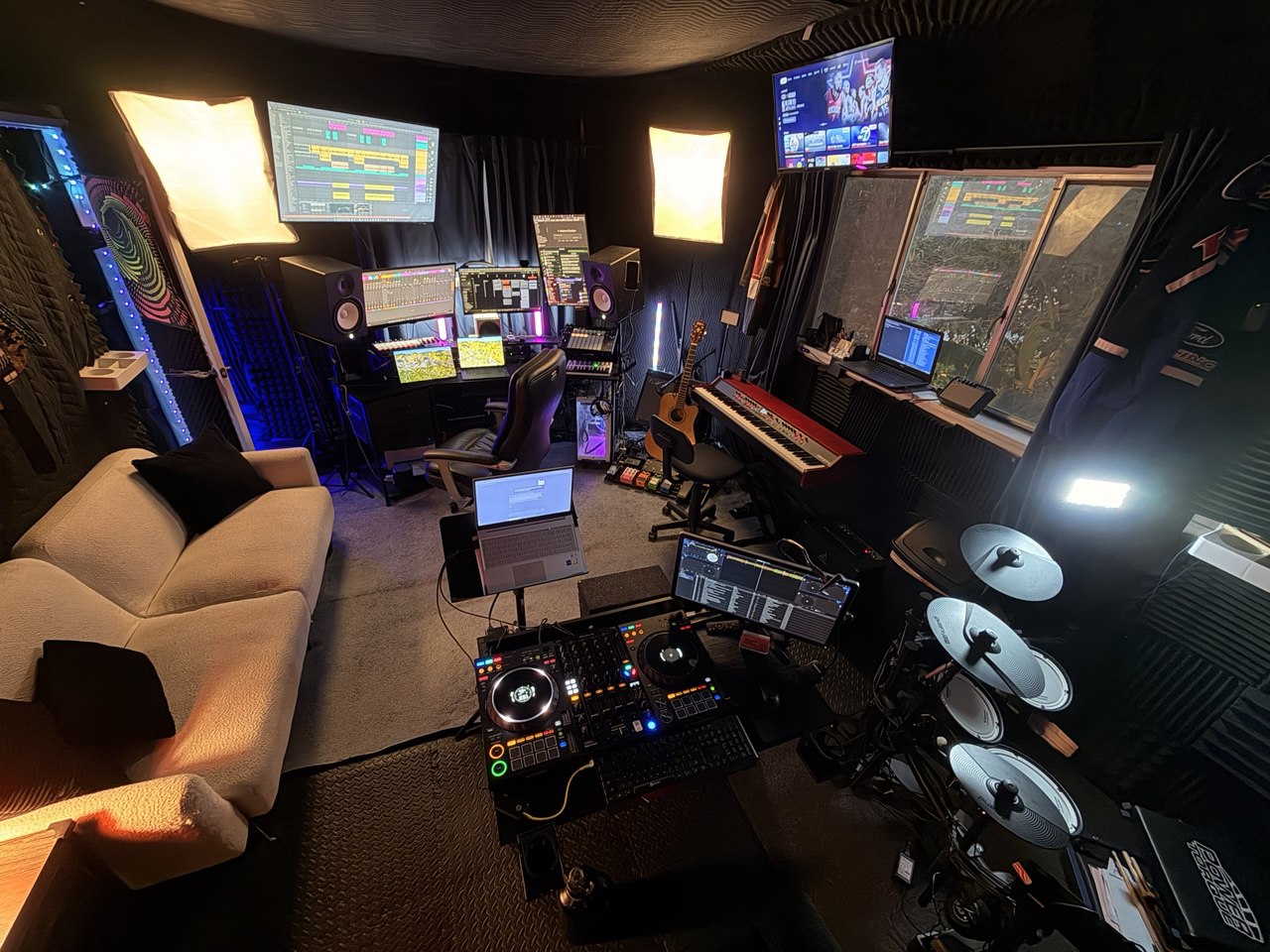
Pretty much everyone who gets into production hits the same fork early. Which DAW (Digital Audio Workstation) do I learn? Spend an afternoon researching and you end up at the same two names: Ableton Live and Logic Pro.
The internet is loud about both. Ableton people will tell you nothing else matters. Logic people will point at the price and the free instruments. Most of those arguments come from someone who has used one program for years, which doesn't help much when you haven't figured out how you like to make music yet.
I've produced and engineered music for over 10 years, with Ableton Live as my main DAW. When I teach music production, we start with the music the student wants to make: a beat, a vocal recording, or a rough song idea. That gives the software a job. My Ableton lessons in Los Angeles follow the same approach, and I also teach students who use Logic. I'd choose by how you want to build a song before comparing the longest feature lists.
The Quick Answer
Making electronic music, hip-hop, or experimental stuff? Ableton. A singer-songwriter, band musician, or film composer on a Mac? Logic Pro is excellent. Genuinely torn? Ableton's flexibility gives you more room to grow across genres. That's my pick.
Now the details.
Workflow: The Fundamental Difference
This is the biggest difference between the two, and it should drive the decision more than anything else on this page.
Ableton Live: Session View + Arrangement View
Ableton has two main views. Session View is a grid of clips you can fire off in any order. Think of it as a sketchpad where you loop, layer, and mess around in real time. When you're ready to commit, you record into Arrangement View, the normal left-to-right timeline.
That split is what makes Ableton Ableton. You jam on ideas, try different drums against different bass lines and melodies, and then arrange the good stuff into a song. For electronic producers, beat-makers, and live performers, this is usually the moment it clicks. You get to build loops and sections before you commit to a full arrangement.
Logic Pro: The Traditional Timeline
Logic Pro's Tracks area is a traditional timeline. You record left to right, stack tracks, edit them, mix them. It also has Live Loops, a grid for trying loops and phrases in different combinations.
If you think in "verse, chorus, verse, bridge," I'd start with that timeline. Record a guitar take, add vocals, stack harmonies, build the song in order.
The Verdict on Workflow
For recording instrumental and vocal takes, I prefer Logic's timeline. For building beats and layering samples, I prefer Ableton's Session View. Try a short sketch in each to see which feels better to you.
Built-In Instruments and Sounds
Logic Pro: Unbeatable Value
This is where Logic flexes. For $199.99 as a one-time Mac purchase (U.S. price on November 5, 2026), you get:
- Alchemy, one of the most powerful software synths anywhere
- Drummer, AI-assisted drum tracks that sound like a real player
- Massive sound library, over 70 GB of loops, instruments, and samples
- Vintage keyboard, guitar amp, and bass emulations that hold up
- Spatial audio tools for mixing in Dolby Atmos
Honestly, Logic's stock instruments and effects go toe to toe with third-party plugins that cost hundreds. On a budget, that means you can learn arrangement, sound design, and mixing without buying a single extra plugin.
Ableton Live: Powerful but Tiered
With Ableton, what you get depends on which edition you buy. These are Ableton's USD prices as of November 5, 2026; check the vendor page for current details:
- Intro ($99): Limited instruments and effects. Fine for learning. You'll outgrow it.
- Standard ($349): More instruments, effects, and sounds than Intro, plus unlimited tracks. I'd check this edition first if Intro feels limiting.
- Suite ($749): Everything in Standard plus Max for Live (a modular environment for building your own instruments and effects), extra Packs, and instruments including Operator and Wavetable.
Ableton's instruments are excellent. Wavetable is a world-class synth, and Operator does a ridiculous amount of sound design. Dollar for dollar, though, I think Logic gives you more in the box. Ableton's answer is Max for Live (included with Suite), which opens up a basically endless world of devices other people have built.
Audio Recording and Editing
I prefer Logic Pro here. I like its comping (record a bunch of takes, keep the best pieces) and Flex Time editing. For vocals, live instruments, and full bands, I find that setup smoother.
Ableton records and edits audio too. I reach for it first when I'm building electronic tracks, but I prefer Logic when I'm sorting through lots of vocal or instrument takes.
MIDI and Electronic Production
I prefer Ableton here. MIDI in Ableton feels fast and visual to me. Drawing notes, adjusting velocities, bending clip envelopes, it all feels easy. And its MIDI effects, like Arpeggiator, Chord, Scale, and Random, are good places to try ideas.
Logic's MIDI editing feels more clinical to me. I find Ableton more inviting when I'm sketching a beat or experimenting with electronic parts.
Mixing and Mastering
Both will do professional mixing and mastering. Logic's mixer is more traditional and packed with features, with a dedicated mixer view that looks like a physical console. Ableton's mixer lives inside its main views. Leaner, less to look at.
For mixing-heavy work, I give Logic's layout a slight edge. You can add third-party plugins for mixing and mastering in either one. I'd choose the layout you feel comfortable working in.
If the mixing and mastering side is what pulls you in, I also teach audio engineering lessons that go deep on exactly that, with professional tools.
Live Performance
Ableton is my pick for live performance. It's in the name. Ableton Live. Session View was built for the stage. Artists in every genre run Ableton live to trigger clips, loop in real time, and build sets on the fly. With a Push or a Launchpad you can play a whole set without a traditional instrument.
Logic's Live Loops also lets you trigger loops and phrases. I still prefer Ableton's Session View for building a live set, especially if performance or DJing is part of the goal.
Platform Compatibility
This one might settle it for you:
- Logic Pro: Available on Mac and iPad. There's no Windows version.
- Ableton Live: Mac and Windows, with the full feature set on both.
On a Windows PC, the decision's already made. Logic isn't an option. On a Mac, you get to choose.
Learning Curve
Both take some learning. The shape of the curve is different.
Logic Pro feels familiar to me, with its menus, toolbars, and timeline. For a first recording, I'd start there and leave the deeper tools until the song needs them.
Ableton Live can feel less familiar at the start if you're used to a timeline. I find Session View fast once the clip grid makes sense, but I'd keep the first project small while learning it.
That's exactly why I push people toward production lessons instead of only YouTube. A teacher gets you through the early confusion fast. Where the sounds go, how an eight-bar loop becomes a song, why the drums feel flat, why the mix falls apart when everything comes in.
Pricing Breakdown (2026)
Ableton Live
- Intro: $99
- Standard: $349
- Suite: $749
- Free 30-day trial available (full Suite features)
- Education discount: 50% off new licenses for eligible students and teachers; check eligibility
Logic Pro
- $199.99 one-time purchase for Mac (U.S. price)
- Optional Apple Creator Studio subscription includes Logic Pro for Mac and iPad
- Apple Creator Studio offers a 30-day subscription trial
- See Apple's current subscription and education terms
My Recommendation: What I Tell My Students
When someone comes to me for music production lessons, this is what I tell them:
Choose Ableton if you:
- Want to make electronic music, hip-hop, or something experimental
- Care at all about live performance or DJing
- Like building tracks by stacking loops and clips
- Use Windows (or want to move between Mac and PC)
- Plan to use hardware controllers (Push, Launchpad, that kind of thing)
Choose Logic Pro if you:
- Write songs or play in a band and record live instruments
- Want the best built-in instruments and sounds for the money
- Like the feel of a traditional recording studio
- Own a Mac and money is tight ($199.99 is hard to argue with)
- Want to score for film, TV, or games
If you genuinely can't decide: Grab Ableton's free 30-day Suite trial and use it seriously. If it clicks, done. You can also try Logic through Apple's 30-day Creator Studio subscription trial. The real point is to start making music instead of spending weeks comparing feature lists.
I teach mostly in Ableton because it's the most versatile and carries across genres well. But arrangement, sound design, mixing, and theory don't care which program you open. Build a good foundation and it moves with you to any DAW.
Why Take Production Lessons Instead of Just Watching YouTube?
Fair question. YouTube is great, and there are endless free tutorials for both programs. But after years of teaching, here's what I keep seeing:
- Tutorial rabbit holes: Beginners watch for hours and never finish a track. Lessons give you structure and someone expecting to hear something.
- Bad habits: On your own you pick up slow, clumsy ways of working that stick for years. A teacher catches them early.
- Generic advice: YouTube teaches the general idea. A teacher aims everything at your goals and the music you actually like.
- Feedback loops: You can't ask a video why your mix sounds muddy. A teacher can listen, figure out what's wrong, and show you the fix right there.
- Motivation: A weekly lesson builds momentum. You work on the track because you want to have something to play me next week.
I teach music production and Ableton lessons in person at my studio near Fairfax and Melrose, next to West Hollywood, and online. If you're local, read about Ableton lessons in Los Angeles or the broader music production lessons in Los Angeles. Starting from zero or trying to level up, it helps to have someone tell you what to practice, what to ignore for now, and how to finish more music instead of collecting tutorials.
Frequently Asked Questions
Is Ableton or Logic Pro better for beginners?
Both are great for beginners. They just fit different people. I like Logic's timeline for recording songs and Ableton's Session View for building beats and playing live. Logic also has Live Loops for working with clips. Try both if you can. Ableton offers a free 30-day Suite trial, and Apple's optional Creator Studio subscription has a 30-day trial. Logic Pro for Mac is also a one-time $199.99 purchase.
Is Ableton Live worth the price?
Ableton Live comes in three tiers. Intro ($99), Standard ($349), and Suite ($749), in USD. For a beginner, I'd try Intro or Standard before spending more. Suite adds Max for Live and more instruments, including Operator and Wavetable. The right price depends on which tools you'll actually use.
Can I use Logic Pro on Windows?
No. Logic Pro only runs on macOS and iPadOS. On Windows, look at Ableton Live, FL Studio, or another DAW that runs on both.
Do I need music production lessons to learn a DAW?
You can learn from YouTube and online courses. Private lessons just shorten the frustrating stretch. A teacher spots exactly where you're stuck, kills bad habits early, and ties the software to the music you actually want to make.
How long does it take to learn Ableton Live?
It depends on what you want to make, your starting point, and how regularly you practice. A simple beat and a full song with recorded vocals call for different skills. Start with a small project, then use what gets you stuck to decide what to learn next. Pick one, open it tonight, and make something bad. That's how the good ones start.